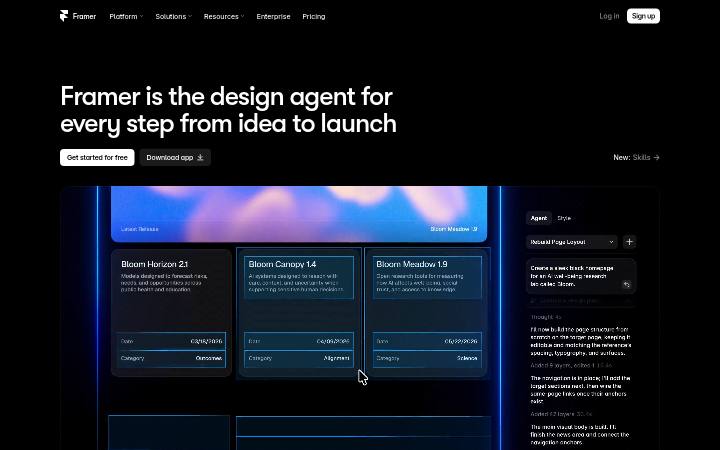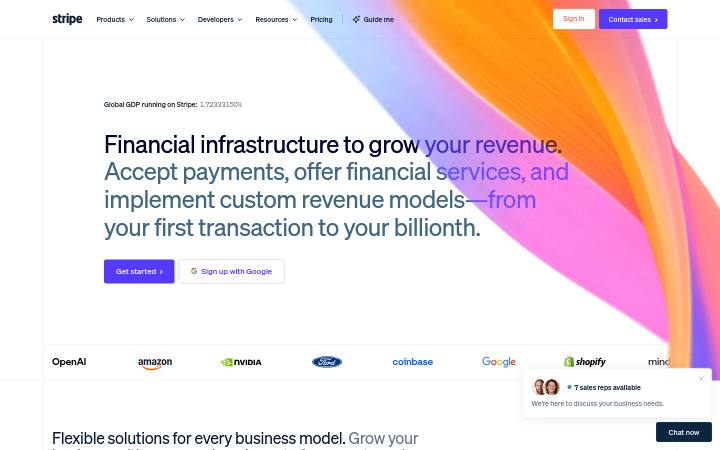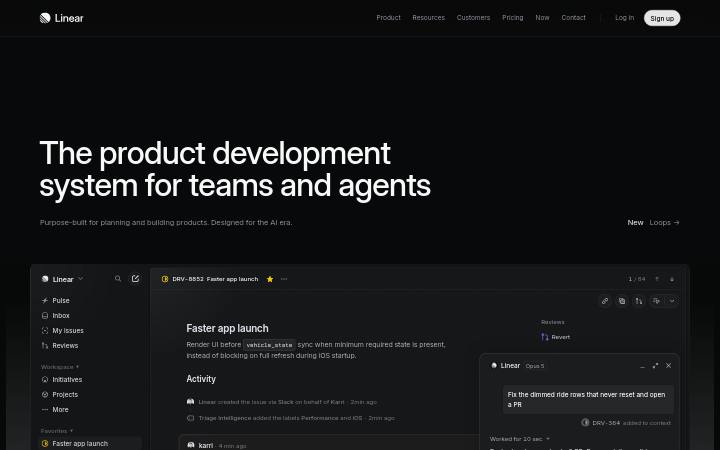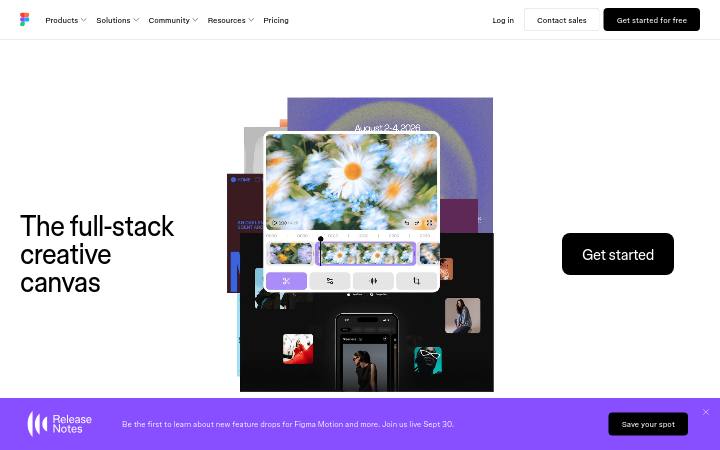
Design system canva.com
Just a moment...
canva.com memakai canva, canva-sans untuk tipografi dan #a370fc sebagai warna aksennya. Diukur pada 28 September 2026.
Pakai dengan AI Andajuga ada di dalam zip sebagai README.md dan PROMPT.md
- .
- Unzip paket ke dalam proyek Anda sehingga foldernya berada di
design/canva.com-design-pack/. - Opsional: salin juga folder ke
.claude/skills/canva-com-design/. SKILL.md di dalamnya membuat Claude Code memuat paket dengan sendirinya setiap kali membangun UI. - Tempel prompt di bawah ke Claude Code dan isi apa yang ingin Anda bangun.
Prompt
Prompt tetap dalam bahasa Inggris: prompt itu menyebut nama file di dalam paket, dan AI Anda bisa membacanya dalam bahasa apa pun.
Use the design pack in `design/canva.com-design-pack/` as the source of truth for how the UI looks and behaves. It was measured from https://www.canva.com/.

1. Read DESIGN.md (colours, type, spacing, radii, shadows, components) and BEHAVIOR.md (hover, focus, tooltips, menus, motion, scrolling, forms, responsive rules) before writing any code.
2. Look at every image in `design/canva.com-design-pack/screenshots/` and match the composition, density, whitespace and image treatment. Tokens do not carry those; the screenshots do.
3. Style everything with `design/canva.com-design-pack/tokens.css` (or `tailwind.css` if this project uses Tailwind v4). Do not invent colours, radii, shadows or font sizes that are not in the pack.
4. Load the fonts named in DESIGN.md. Where a font is not freely available, use the stand-in it names at the same sizes and weights.
5. Match the breakpoints and hover, focus and motion rules in BEHAVIOR.md. The site has no dark mode, so do not add one.

Now build: [describe the page or app you want]

When you are done, compare the result with the screenshots at desktop and phone widths, fix the biggest visual difference first, and repeat.Warna5 token
background
#ffffff
foreground
#1a1a1a
muted-foreground
#6b6b6b
primary
#a370fc
on-primary
#111111
Jarakunit 8px
- Lebar konten
- 600px
- Breakpoint
- 639, 640px
Radius
tombol 0pxinput 0pxkartu 0pxgambar 0px
Bayangan0
Datar: tidak ada box shadow yang dipakai.
Tipografi2 font family
canvaself-hosted, pengganti Intercanva-sansself-hosted, pengganti Inter
headline-displayQuick brown fox28px / 400 / lh 1.3
headline-lgQuick brown fox32px / 600 / lh 1.4
headline-mdQuick brown fox24px / 600 / lh 1.4
body-mdThe quick brown fox jumps over the lazy dog14px / 400 / lh 1.5
label-mdThe quick brown fox jumps over the lazy dog13px / 500 / lh 1.4
buttonThe quick brown fox jumps over the lazy dog14px / 500 / lh 1.4
Ukuran yang dipakai
1428
Komponen
- tautan
- #a370fc, underline, 400
- h1
- 28px / 400, perataan center, maks 474px
- formulir
- 0 forms, 0 inputs. Required markers: 0. Help texts: 0. Label placement: no labelled inputs.
- ikon
- Icons: 1 inline SVGs, filled, sizes .
Screenshotlebar 1440 dan 390
Interaksi dan animasi
- body link "visit the Help Centre": text #a370fc → #8b3dff, border #a370fc → #8b3dff
- fokus body link: outline 1px auto rgb(16, 16, 16), offset 1px
- tooltip: No tooltips: nothing on the page carries tooltip attributes or roles and no tooltip styles exist. Do not add tooltips when rebuilding.
- menu: No dropdown menus found in the header.
- animasi: No CSS transitions on rendered elements: state changes are instant. No scroll-reveal: content is visible without scrolling into view.
Tema
No dark mode responded to prefers-color-scheme, a theme toggle, or a root class/attribute.
Responsif1440 / 1024 / 768 / 390 px
| Viewport | Konten | Gutter | Body | H1 | Header | Hero | Grid | Tombol |
|---|---|---|---|---|---|---|---|---|
| desktop 1440 | 600px | 10px | 28px, 1 line, center | text only | content-width | |||
| laptop 1024 | 600px | 10px | 28px, 1 line, center | text only | content-width | |||
| tablet 768 | 600px | 10px | 28px, 1 line, center | text only | content-width | |||
| phone 390 | 312px | 10px | 28px, 2 lines, center | text only | content-width |
- H1 goes 28px → 28px (100%), 1 → 2 lines.
- Body text stays 10px at every width.
File di dalam paket14 file
DESIGN.md
Format DESIGN.md dari Google; Stitch, Claude Code, dan Cursor membacanya
tokens.json
W3C Design Tokens (DTCG) untuk Style Dictionary dan plugin Figma
tokens.css
Nilai yang sama sebagai CSS custom property
tailwind.css
Blok @theme Tailwind v4
SKILL.md
Skill Claude Code / Cursor yang mengurutkan isi paket untuk agen
BEHAVIOR.md
Hover, fokus, tooltip, menu, animasi, scrolling, tabel, formulir, teks, responsif, mode gelap, stack
evidence.json
Pengukuran mentah di balik kedua dokumen (setiap viewport, probe, dan aturan)
screenshots/
desktop-1440-fold.png, desktop-1440-full.jpg, laptop-1024-fold.png, tablet-768-fold.png, phone-390-fold.png, phone-390-full.jpg
DESIGN.md164 baris
---
version: alpha
name: "canva.com"
description: "Design system extracted from https://www.canva.com/ on 2026-09-28"
colors:
  background: "#ffffff"
  foreground: "#1a1a1a"
  muted-foreground: "#6b6b6b"
  primary: "#a370fc"
  on-primary: "#111111"
typography:
  headline-display:
    fontFamily: "canva"
    fontSize: "28px"
    fontWeight: 400
    lineHeight: "1.3"
  headline-lg:
    fontFamily: "canva-sans"
    fontSize: "32px"
    fontWeight: 600
    lineHeight: "1.4"
  headline-md:
    fontFamily: "canva-sans"
    fontSize: "24px"
    fontWeight: 600
    lineHeight: "1.4"
  body-md:
    fontFamily: "canva-sans"
    fontSize: "14px"
    fontWeight: 400
    lineHeight: "1.5"
  label-md:
    fontFamily: "canva-sans"
    fontSize: "13px"
    fontWeight: 500
    lineHeight: "1.4"
  button:
    fontFamily: "canva-sans"
    fontSize: "14px"
    fontWeight: 500
    lineHeight: "1.4"
rounded:
  none: "0px"
  full: "9999px"
spacing:
  unit: "8px"
  1: "16px"
  2: "24px"
  3: "40px"
  4: "64px"
components:
---

# canva.com

## Overview

Just a moment...

Sharp, squared-off controls, flat surfaces separated by hairlines, restrained display type at 28px / 400, a single violet accent on neutrals. The site ships in light mode by default. Measured from 59 rendered elements at 1440px wide on 2026-09-28.

Reference screenshots live beside this file; look at them before writing any layout, they carry the composition, density and image treatment that tokens cannot:

- `screenshots/desktop-1440-fold.png`: Desktop 1440, above the fold
- `screenshots/desktop-1440-full.jpg`: Desktop 1440, full page
- `screenshots/laptop-1024-fold.png`: Laptop 1024, above the fold
- `screenshots/tablet-768-fold.png`: Tablet 768, above the fold
- `screenshots/phone-390-fold.png`: Phone 390, above the fold
- `screenshots/phone-390-full.jpg`: Phone 390, full page

## Colors

| Token | Value | Use |
| --- | --- | --- |
| background | `#ffffff` | Page background |
| foreground | `#1a1a1a` | Primary text |
| muted-foreground | `#6b6b6b` | Secondary text, captions |
| primary | `#a370fc` | Accent: primary buttons, links, focus |
| on-primary | `#111111` | Text on the accent |

Full painted palette by area (largest first): `#ffffff`.

The accent `#a370fc` is used sparingly: primary buttons, links and focus rings. Everything else stays neutral.

## Typography

- **canva** for h1: self-hosted webfont, not freely available; use **Inter** from Google Fonts as the stand-in.
- **canva-sans** for body: self-hosted webfont, not freely available; use **Inter** from Google Fonts as the stand-in.

| Role | Family | Size | Weight | Line height | Tracking |
| --- | --- | --- | --- | --- | --- |
| headline-display | canva | 28px | 400 | 1.3 | normal |
| headline-lg | canva-sans | 32px | 600 | 1.4 | normal |
| headline-md | canva-sans | 24px | 600 | 1.4 | normal |
| body-md | canva-sans | 14px | 400 | 1.5 | normal |
| label-md | canva-sans | 13px | 500 | 1.4 | normal |
| button | canva-sans | 14px | 500 | 1.4 | normal |

Type scale in use: 14px, 28px. Base body size 14px.

The H1 renders at 28px / 400, center aligned, up to 474px wide. Sample: "We’ll have you designing again soon".

## Layout

- Spacing unit: 8px. Scale in use: 16, 24, 40, 64 (px).
- Content max width: 600px, centred.
- Breakpoints: 639px, 640px.

## Elevation & Depth

No box shadows in use; depth comes from hairline borders and surface tints (flat design).

## Shapes

- Buttons: 0px
- Inputs: 0px
- Cards and panels: 0px
- Images and media: 0px
- Radius scale: none 0px, full 9999px

## Components

### Link

Colour `#a370fc`, underline, weight 400.

## Dark Mode

No dark mode responded to prefers-color-scheme, a theme toggle, or a root class/attribute.

## Responsive Behavior

| Viewport | Content width | Gutter | Body | H1 | Header | Hero | Grids | Buttons |
| --- | --- | --- | --- | --- | --- | --- | --- | --- |
| desktop 1440px | 600px |  | 10px | 28px, 1 line, center |  | text only |  | content-width |
| laptop 1024px | 600px |  | 10px | 28px, 1 line, center |  | text only |  | content-width |
| tablet 768px | 600px |  | 10px | 28px, 1 line, center |  | text only |  | content-width |
| phone 390px | 312px |  | 10px | 28px, 2 lines, center |  | text only |  | content-width |

- H1 goes 28px → 28px (100%), 1 → 2 lines.
- Body text stays 10px at every width.

## Interaction & Motion

No CSS transitions on rendered elements: state changes are instant.

- Hover on body-link ("visit the Help Centre"): text #a370fc → #8b3dff, border #a370fc → #8b3dff; cursor pointer.
- Focus on body-link: outline 1px auto rgb(16, 16, 16), offset 1px.
- No tooltips: nothing on the page carries tooltip attributes or roles and no tooltip styles exist. Do not add tooltips when rebuilding.
- No dropdown menus found in the header.
- No scroll-reveal: content is visible without scrolling into view.

Full detail (every overlay, table, form, scroll and text rule measured) is in `BEHAVIOR.md`; raw evidence in `evidence.json`.

## Do's and Don'ts

- Do use 8px multiples for every padding, margin and gap; the site does not use odd values.
- Do reserve `#a370fc` for actions and focus; never paint large areas with it.
- Do keep body text at 14px in canva-sans and headings in canva.
- Do match corner radii per element class (buttons 0px, cards 0px); do not pick one radius for everything.
- Don't add drop shadows; this design is flat.
- Don't substitute a different accent hue or introduce gradients that are not listed above.
- Don't rebuild from the tokens alone; open the screenshots for composition, density and image treatment.